1. Start the survey
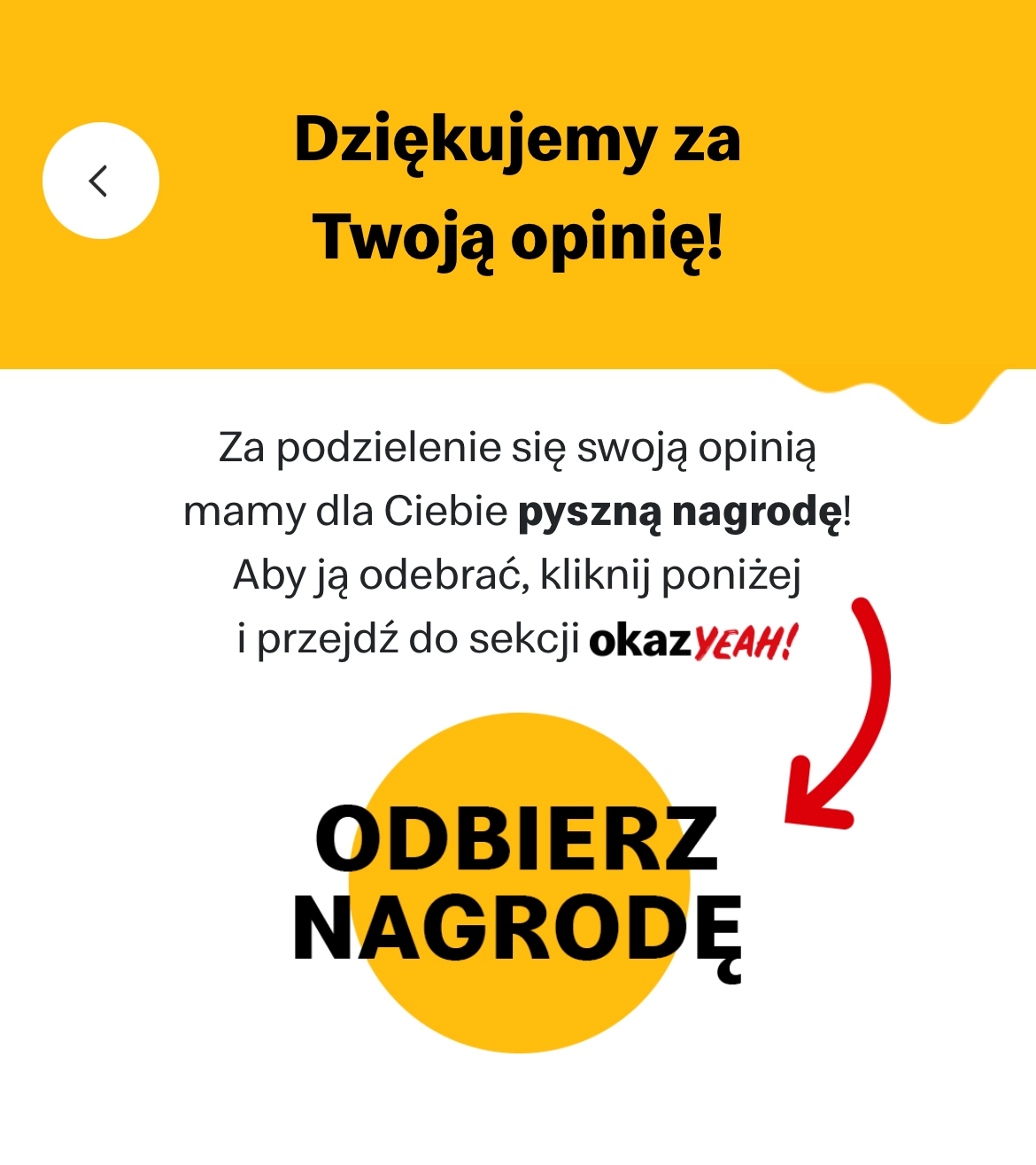
Open the McDonald's app and start the survey. Proceed until you reach the survey page.

2. Get survey URL
Long press any text on the survey page and select "Copy link to highlight" from the menu.

3. Generate app link
Paste the URL into the Survey URL field and click "Convert" to generate your app link.

4. Open the app link
Click "Open in App" to launch directly to the reward collection page in the McDonald's app.